Better colors.
Every game.
Saturation, vibrance, gamma and warmth for your whole screen, with Night Vision, Rust biome looks, a crosshair and zoom in one small app.
Join us on Discord →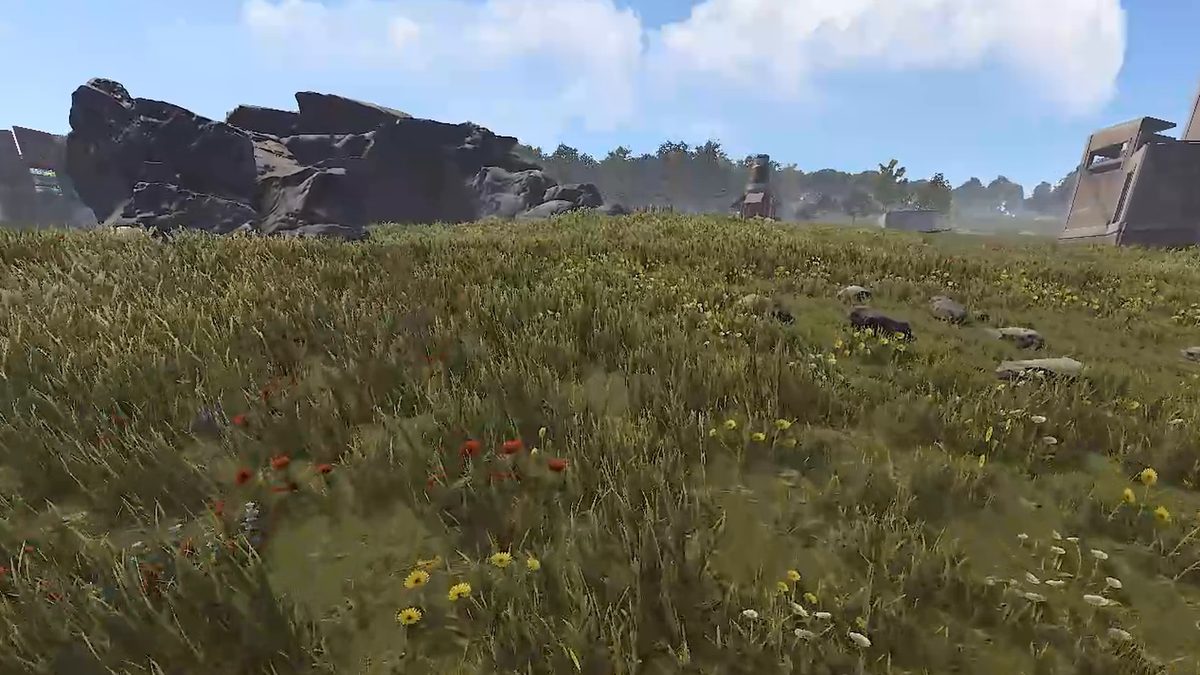 LIVE · RUST
 PixelForgeTry it. This runs in your browser.
Profiles
A preview on a real Rust frame, using the app's color math. NVIDIA vibrance and Night Vision's shadow lift are approximated here.
It stays out of your game.
PixelForge changes how your screen looks and draws overlays on top of it. It runs as its own app, outside the game.
No injection
Nothing is loaded into your game's process.
No game files
Your game stays exactly as it was installed.
No game memory
It never reads or writes game memory.
Every server and game has its own rules. Some Rust servers don't allow external zoom tools, so check first. You can leave any feature off.
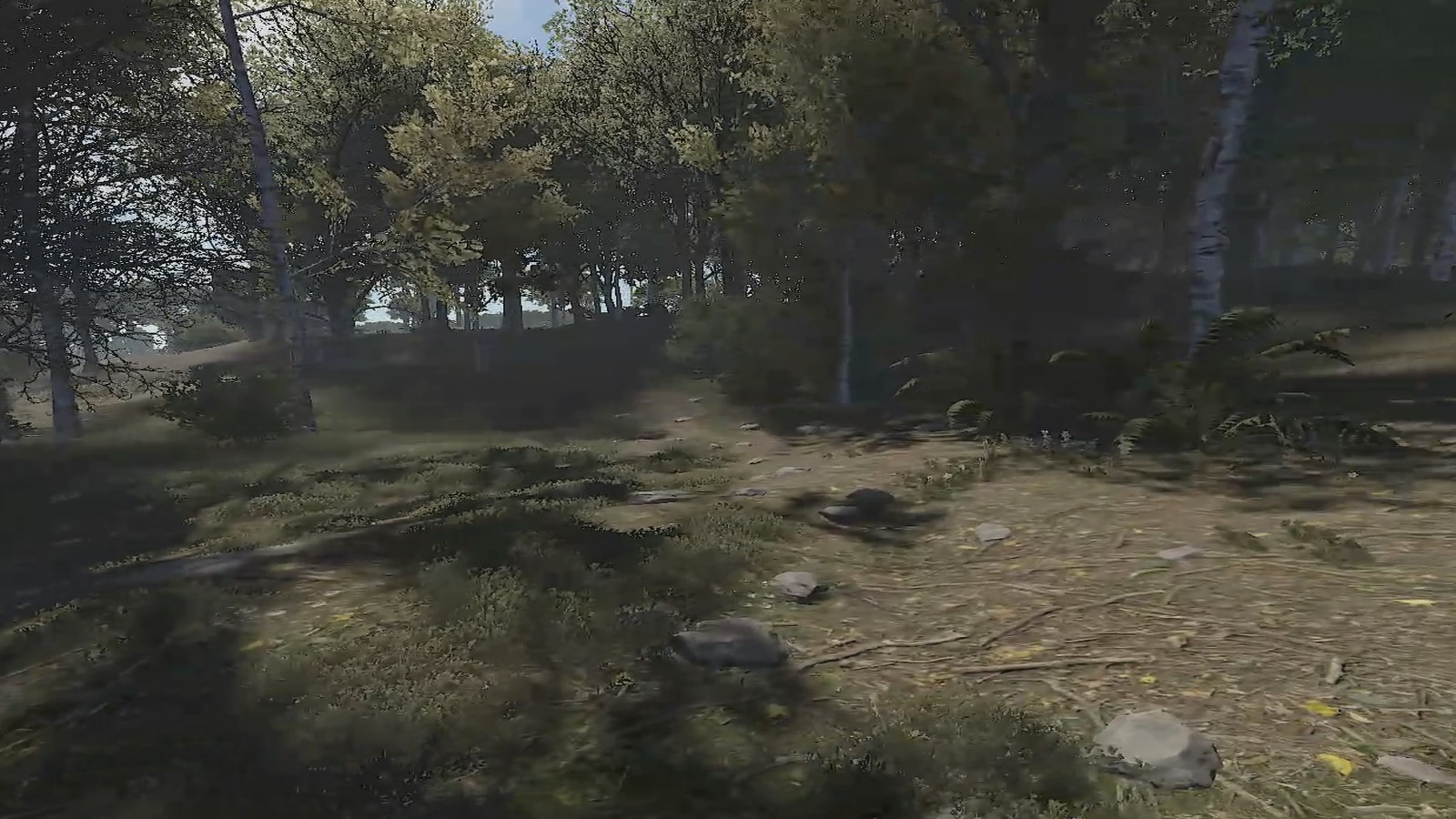
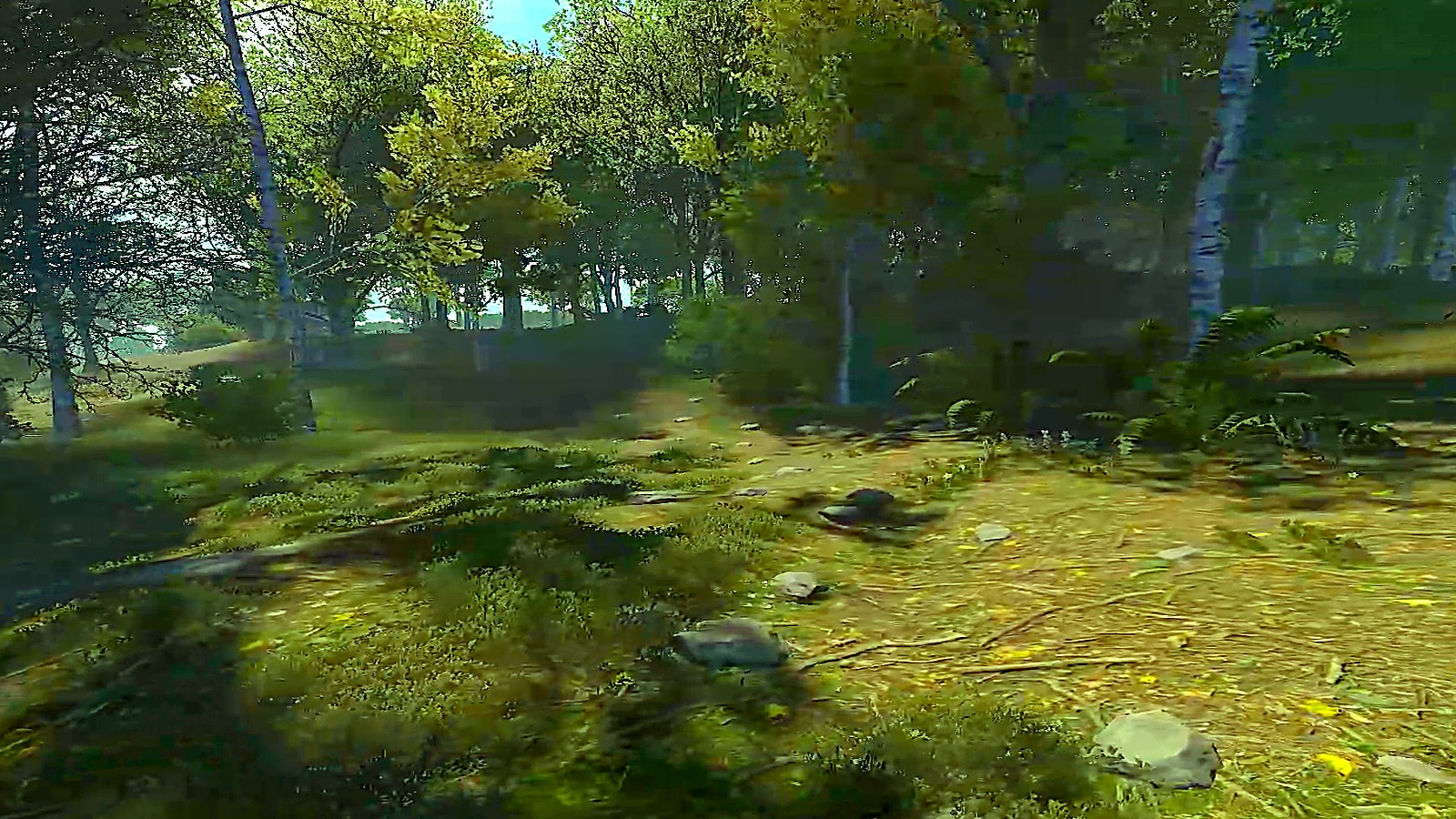
See the difference.
Turn a flat picture into deep, rich color. Drag the handle over a Rust forest.
- Changes instantlyEvery slider applies live, with no game restart.
- Compare on your own screenThe app has a before/after slider too.
- One switch offYour normal picture comes back right away.
A look for every map.
Rust, CS2, Fortnite, Valorant and Apex are built in. Add any game and it gets its own.
Snow, Desert and Green
Three tuned looks for Rust. Press one hotkey to switch as you cross the map.
Night Vision
Lifts the blackest areas, with 3 strengths, hold-to-use and a green goggles look.
Switches by itself
The right profile loads when your game comes to the front, and goes back after.
Three steps. About two minutes.
Join the Discord
Open a ticket and pay with PayPal.
Get your key
You receive your key and PixelForge.exe. Nothing to install.
Paste and play
Open the app, paste the key, pick a profile. It binds to that PC.
What game sliders can't do.
| Feature | In-game settings | GPU panel | PixelForge |
|---|---|---|---|
| Saturation and vibrance | Rarely | Yes, on some cards | Per game |
| Profiles that switch by themselves | No | Limited | Built in |
| Night Vision with a hotkey | No | No | Built in |
| Rust biome looks | No | No | Snow, Desert, Green |
| Crosshair, zoom and FPS overlay | Depends on the game | FPS only, on some cards | All three |
| PC optimizer you can undo | No | No | One click |
Everything in one small app.
Filters
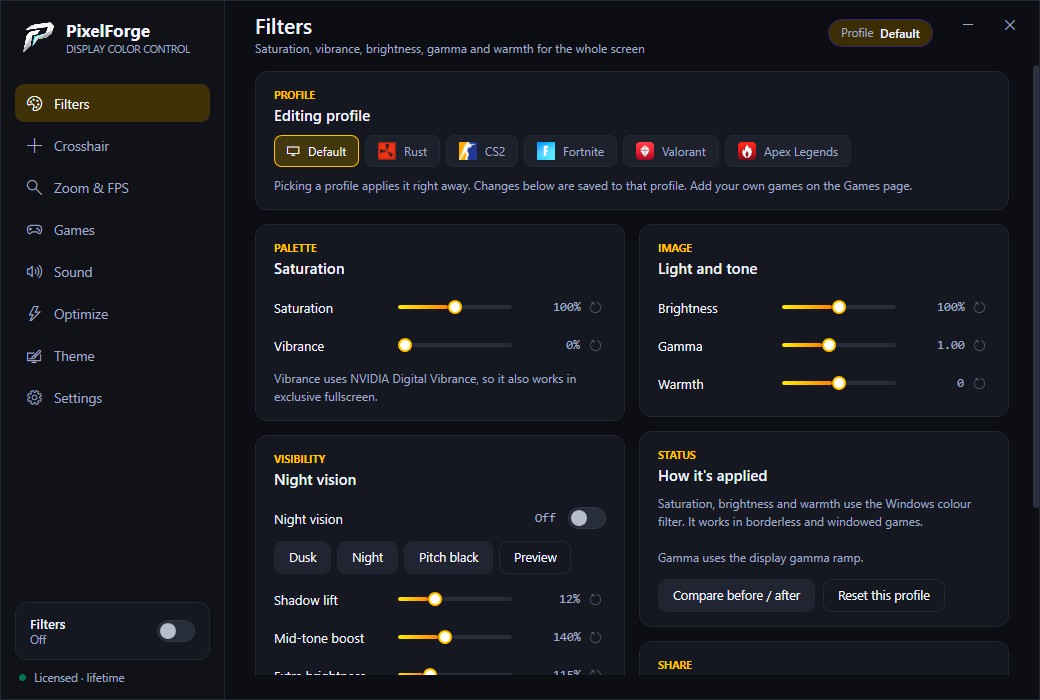
Saturation, vibrance, brightness, gamma and warmth, with NVIDIA Digital Vibrance.
Night Vision
Lift dark areas with a hotkey, in 3 strengths.
Crosshair
Presets, your own designs and custom images.
Zoom lens
Wheel zoom, levels, shapes and a crosshair inside the lens.
FPS and ping
A small counter in any corner, with internet ping.
Session reports
FPS, dips and ping after each game.
Community presets
Publish your look and vote for the best.
Cloud settings
Save your setup and restore it on any PC with your key.
Bass Boosted
One switch for your whole PC. Needs the free Equalizer APO once.
PC optimizer
Windows tweaks you can undo, plus an FPS benchmark.
Themes
Accent colors and background styles for the app.
Auto updates
New versions install themselves. Your key and settings stay.
Real screenshots.
Pick your key.
Same full app on both plans. One-time payment, no subscription.
About $0.17 a day. Starts when you activate it.
- All features
- All profiles
- Free updates during your 30 days
Same price as three 30-day keys.
- All features
- All profiles
- Free updates forever
- Never expires
Pay with PayPal in our Discord. Each key works on one PC, and we can reset it if you change PC.
Before you buy.
Can I get banned for using it?
PixelForge doesn't inject into games, touch game files or read game memory. It only changes how your screen looks and draws overlays. We can't promise what any game, anti-cheat or server admin will accept, and some Rust servers ban external zoom tools, so check the rules and leave those features off if you aren't sure.
Does it work in fullscreen?
Use borderless windowed mode for filters, crosshair and zoom. NVIDIA vibrance also works in exclusive fullscreen.
Which games are supported?
Rust, CS2, Fortnite, Valorant and Apex have profiles built in. Add any other game and it gets its own profile.
How do I pay?
With PayPal. Join our Discord and open a ticket. You get your key and PixelForge.exe there.
Can I move my key to a new PC?
Yes. Ask in the Discord and your key gets reset so you can activate it again.
What happens when my 30 days end?
The key stops working 30 days after you activated it. Buy a new key, or move up to Lifetime, in the Discord.
Will the optimizer raise my FPS?
It depends on your PC, and no tool can promise more FPS. Use the built-in benchmark before and after to see the real difference.
Is the optimizer safe?
Nothing changes until you confirm it. Settings are backed up and can be undone in one click, but deleted temporary files can't come back. It never disables Windows Defender, Windows Update or the firewall.
Does Bass Boosted need anything else?
Yes. Windows only lets an audio engine change every app's sound, so you install the free Equalizer APO once and restart your PC.
Can I get a refund?
See our Refund Policy. If the app won't run correctly on your PC and support can't fix it within 7 days, you can get your money back.